
How To Create A Tempo Map For Any Track In REAPER
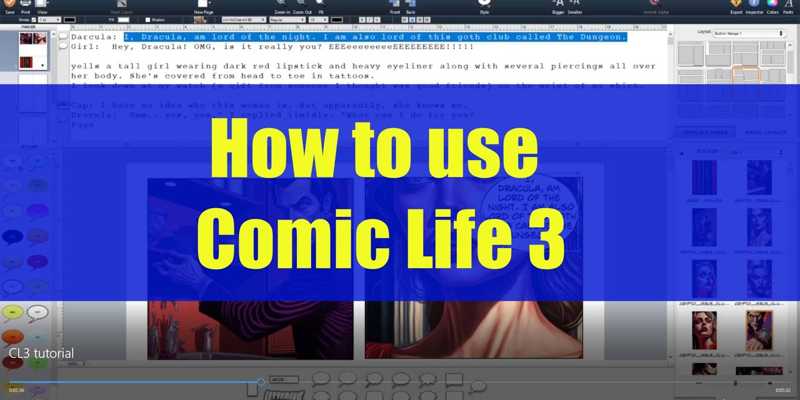
Back with another tutorial, this time on “Comic Life 3”, an all-encompassing comic book layout and lettering software. I have to say as someone who’s been a DIY comic book dilettante for nearly my entire life, this app really brings together many steps in the process of creating a comic, and makes them surprisingly easy.
If you’ve ever struggled with creating and positioning speech bubbles, or getting your panels exactly how you want them, this is what you’ve been needing.
Keep in mind, Comic Life isn’t an illustration software. You can’t “draw in it” like PS or Krita. It is specifically made for laying out comic book panels, and positioning your image files within them. If you have your images scanned and ready to go, along with your comic’s script, then you’ve got what you need.