The "Big Secret" to being an AAA+ AI Filmmaker...
Hey everyone. I’ve been wanting to write this for a minute now, but this two-episode-per-week release schedule is slightly challenging. Especially on top of full-time work.
Anyway, the title of this article is real. This isn’t clickbait, or even a link to my book (lol). There’s really a secret to unlocking AI filmmaking, ESPECIALLY the people who are just starting out.
That secret is, *be a good film editor*. As in, the better you are in editing audio and video, the better served you will be while making AI films. To repeat that; all of “AI filmmaking” comes down to how good you are at building A/V content from A/V clips.
In traditional film making, the big challenge is getting the visuals that tell your story. Physical locations, wrangling actors, pyro… it’s honestly a lot of hassle when you realize that you’re doing it all to make moving pixels on a screen. Lol.
The actual film shoot is like going to war. It’s hell, but it’s (supposedly) necessary. For as much as traditional filmmakers say they “love the process”, they also will admit to how uncomfortable the actual shooting process can be. Once a director gets to the editing stage, if he still has creative control at that point, he’s probably thinking “Now the fun begins!”…
…Because the real grueling part is getting those images on film, and once you have that (along with the audio), you can piece together those raw ingredients into your story and artistic vision.
As AI filmmakers, after we’ve generated our footage, we’re skipping right to editing the film. The fun part.
This is also where a lot of people’s problem begins. It’s easy enough to generate a bunch of clips, but how to piece them together half-way decently, much less make them look “cinematic”? You then realize that this is more difficult than it seemed at first.
You can also look at it from the film editor’s point of view, and realize that a lot of “problems” in with AI video aren’t new. Things editors have been dealing with for years, like;
- re-dubbing bad audio or missing dialogue
- color grading shots that don’t match
- continuity errors
To fix these common issues, most editors employ what is know as “fixing it in post” or “movie magic”. These are creative solutions; like be getting a totally different actor to “voice clone” someone, or using sound effects and off-screen actions to tell the story when you simply don’t have the footage you need.
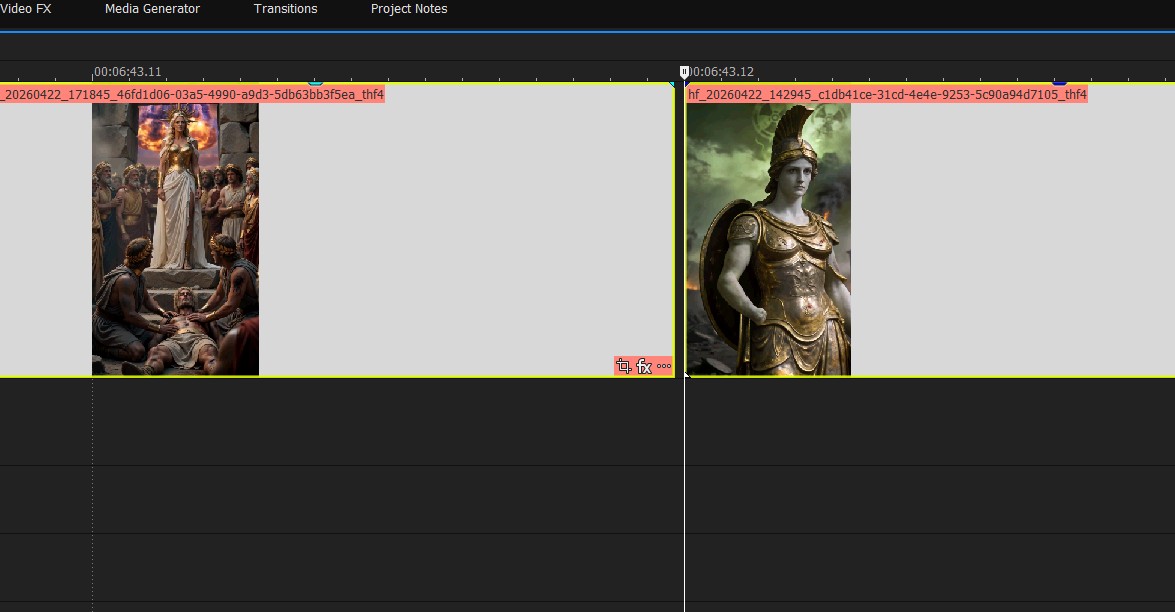
How good you are at making AI films really comes down to how good you are at all of these things. How good are you are keeping your NLE timeline tidy and organized? Can you re-sync audio? Can you color-match the lighting in two clips? Can you figure out a work-around for that clipped section of audio, or second of video where you can see the boom mic? Maybe you can cut to a B-roll shot, or a shot of a different character.
Furthermore, you have to be able to cut a scene and make it look good in the traditional sense. Things like, the 180 degree rule… are you breaking it? How about your pacing? Are you lingering on shots too long? Are you cutting on the action? These are all things that can make any type of film look “amateur” if you don’t catch them. Mostly, do your sequences make sense, and do they tell your story without getting boring?
This (pacing), repeated shots and slow shots is probably the biggest thing I see with amateur AI filmmakers.
Lastly, don’t forget audio. Audio is super important and probably a tie for #1 biggest problem I see with amateur AI content. Here are some things to remember with audio
- don’t try to prompt scenes with dialogue- always record the voice acting yourself (or generate the dialogue audio with a separate AI like Elevenlabs), then lip-sync that to a start frame or video. This way you get consistent character voices.
- Utilize generated sound effects (also available from Elevenlabs). This way you don’t have to rely on auto-generated audio and have way more control, can loop audio, etc. Don’t be afraid to layer more SFX!
- Don’t rely on auto-generated audio since it’s not going to match from cut to cut. Use it where it works, or use it as a visual guide for placing other audio samples on your timeline. Remember that you can layer existing generated audio with new audio clips and SFX
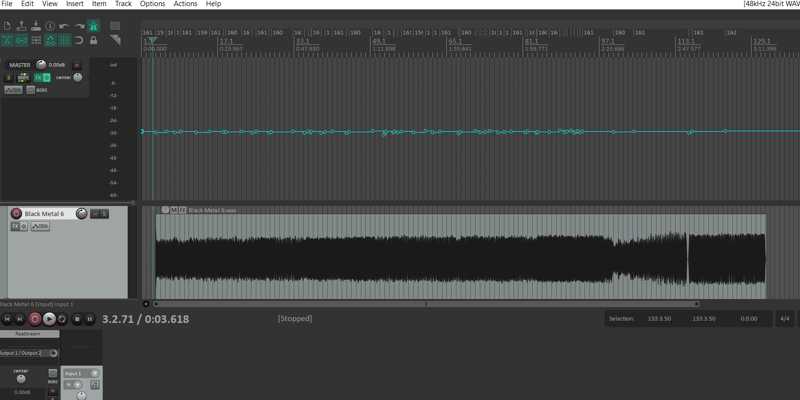
- Remember (especially for music) that you can automate the volume on any audio track. Automate it to lower during dialogue, then get louder when the talking stops.
Hope that helps! Please check out the new episode my AI micro series that just dropped this morning- https://youtube.com/shorts/lsyGOLMjuP4